Keeping a Feature Branch Current Without Losing Your Work
Learn step by step how to merge main into your feature branch safely, preserve your features, and confidently resolve conflicts using git best practices.
Updated October 22, 2026
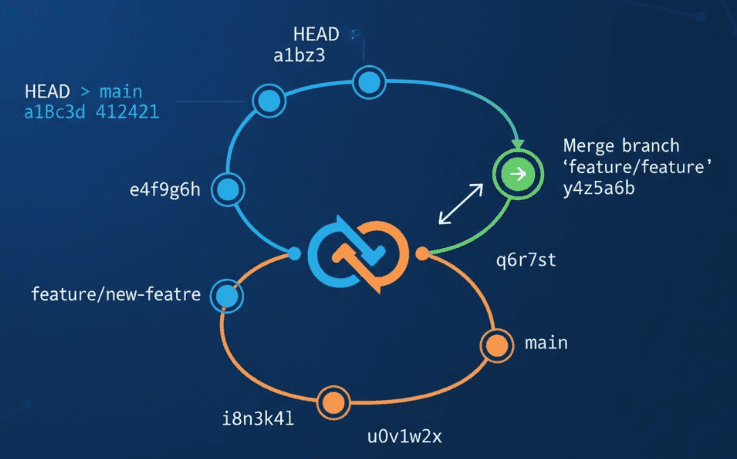
When the main branch changes while you are developing a feature, you need to integrate those changes and test the combined result. A merge can bring the histories together while preserving your feature commits.
This guide uses feature-branch and origin/main as examples. Replace them with the branches in your repository and follow your team’s policy if it requires rebasing instead.
1. Start with a clean working tree
Switch to your feature branch and inspect its state:
git switch feature-branch
git status
Commit work that belongs on the branch, or save unfinished work in a named stash. If the work includes untracked files, use -u:
git stash push -u -m "Before integrating main"
A clean working tree makes it easier to inspect the merge and stop it if needed. A backup branch can preserve the current committed position, but it does not save uncommitted changes:
git branch feature-before-main
2. Fetch the latest main branch
git fetch origin
This updates origin/main without switching branches or changing your working files. You can merge that remote tracking branch directly, so there is no need to update a separate local main first.
Inspect what has changed before merging:
git log --oneline HEAD..origin/main
git diff HEAD...origin/main
3. Start a reviewable merge
git merge --no-commit --no-ff origin/main
--no-commit pauses before creating the merge commit. --no-ff also prevents a fast forward, allowing you to inspect the result before committing even when the histories could have fast forwarded. If the branch is already up to date, there is no merge to complete.
The combined working tree is now the version you need to review and test.
4. Resolve conflicts, if there are any
Run git status and open each conflicted file. Read both changes and edit the file into the intended result; remove the conflict markers after resolving it.
git diff --name-only --diff-filter=U
git add path/to/resolved-file
Do not assume keeping one side of a conflict preserves the feature. A shared function, data shape, or dependency may have changed in ways that require an adjustment to both sides.
If you need to stop before committing, use:
git merge --abort
That is easier to reason about when you started with no unrelated local changes.
5. Review and test the combined result
git diff --cached
git diff --check
git status
Check important user flows as well as the diff. A merge can succeed without textual conflicts and still introduce a behaviour problem.
Run the project’s documented checks. For a JavaScript project they might include:
npm run lint
npm test
npm run build
Use the scripts that actually exist in the repository. If dependencies changed, use the project’s package manager and lockfile before interpreting build failures.
6. Commit and push
When the result is ready:
git commit -m "Merge origin/main into feature-branch"
git push origin feature-branch
If you stashed unfinished work, inspect the stash list and apply the intended entry. Recheck the restored work and remove the entry only when you are satisfied it is preserved.
Investigating problems after a merge
The feature behaves differently
Compare relevant files or commits with feature-before-main and inspect the merge history. Use the backup as a reference rather than copying an entire old file over new shared changes without reviewing them.
The merge is already committed
Create a corrective commit when the problem is understood. A merge revert is another option, but its mainline choice and effect on future merges need review. Avoid rewriting shared history as an automatic recovery step.
There are no conflicts, but tests fail
Look at dependency updates, shared interfaces, configuration, and behavioural changes from main. Git resolves text; the test suite and application checks tell you whether the combined software still works.
Habits that make future merges easier
- Keep feature branches focused and integrate at an appropriate cadence.
- Review shared interfaces before a feature branch drifts too far.
- Test the combined result even when Git reports no conflicts.
- Follow the team’s merge or rebase policy consistently.
For details on flags and recovery behaviour, see the Git merge documentation.